
HD Status WhatsApp
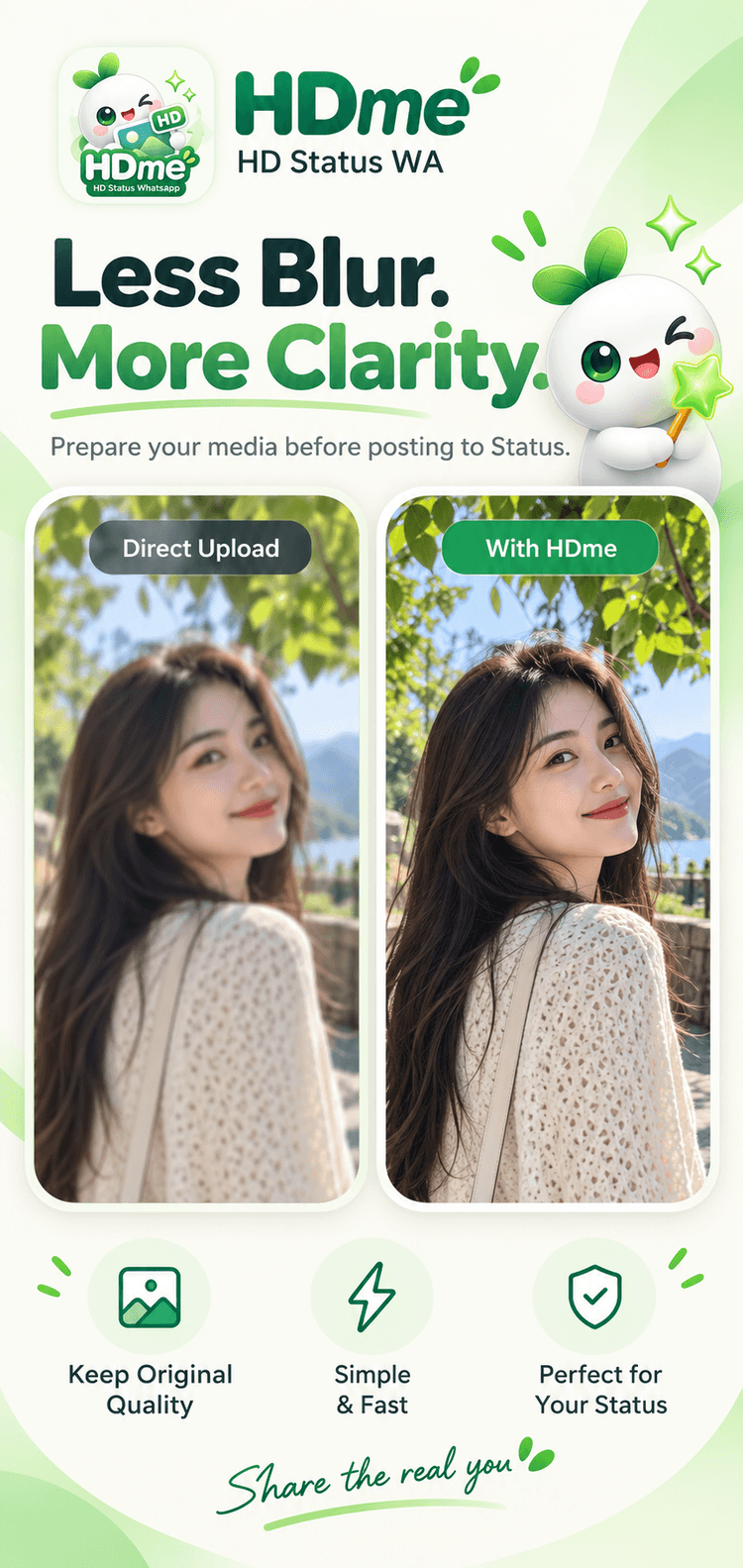
No more blurry Status.Less blur. More clarity.
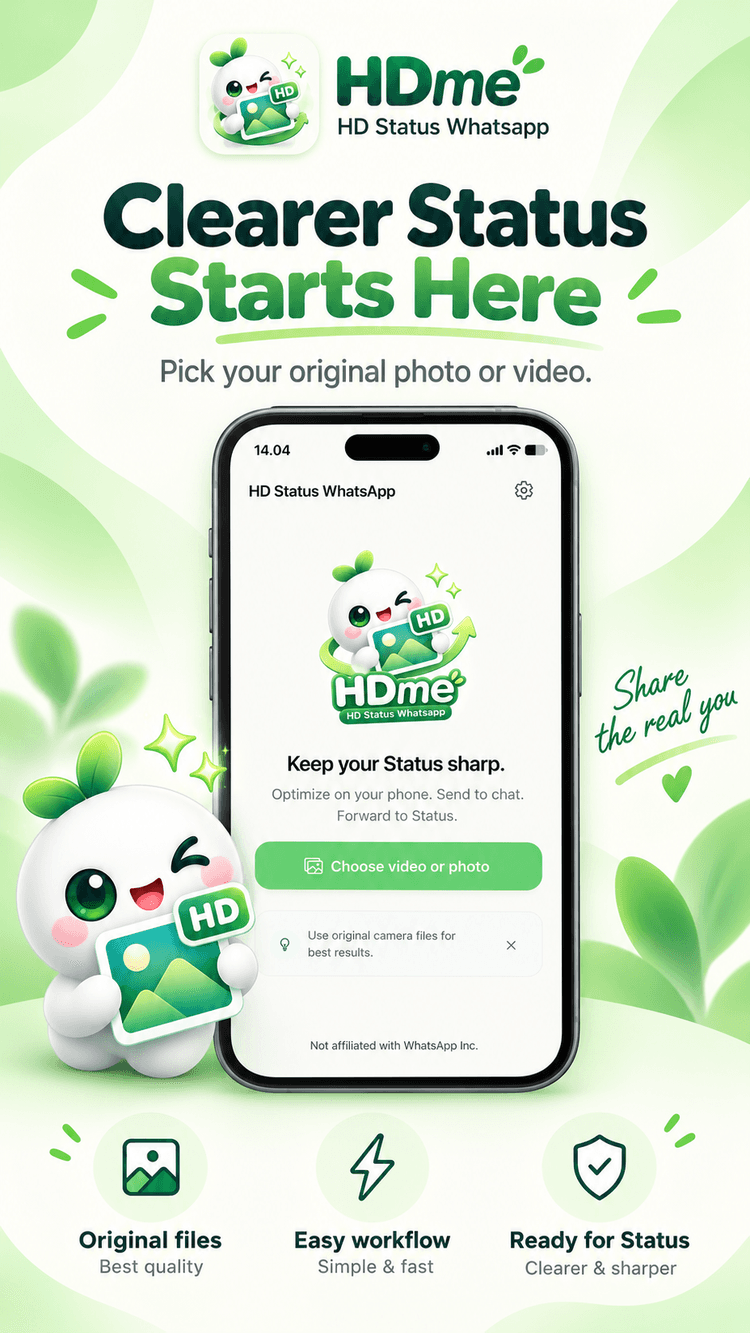
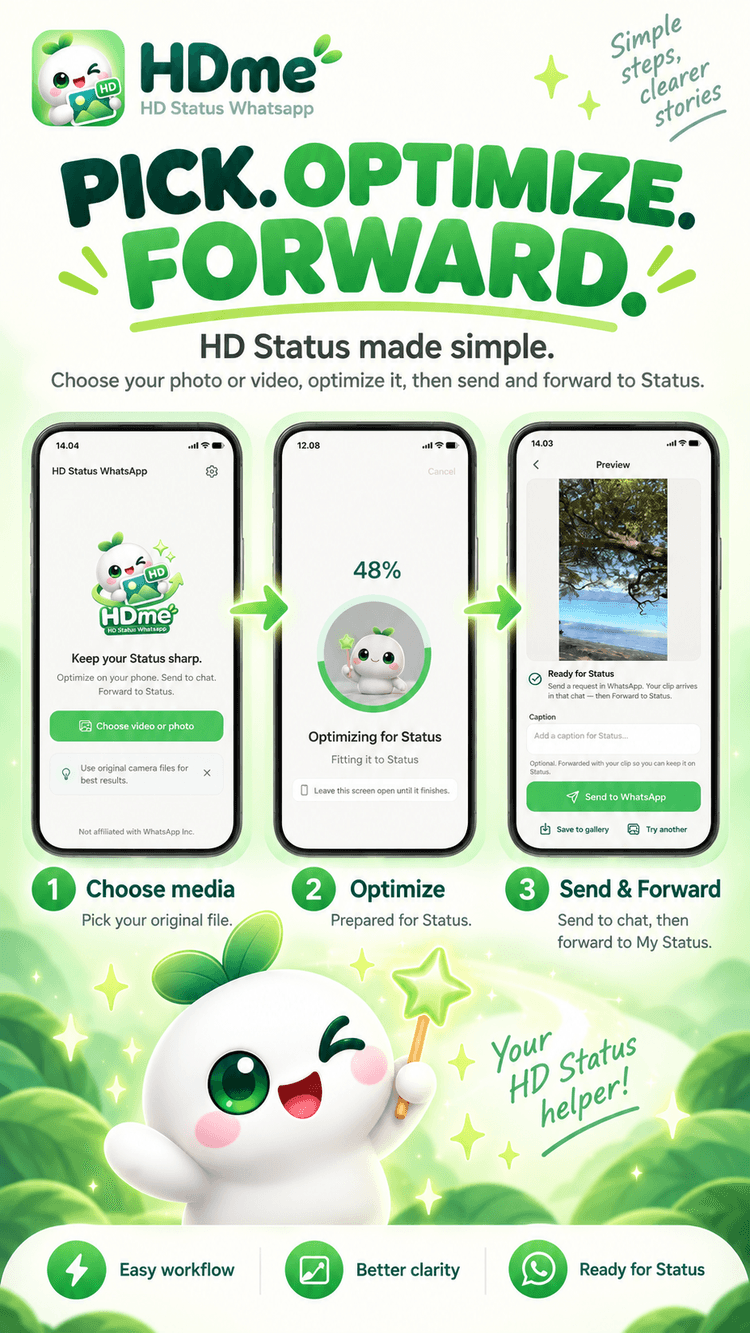
Optimize on your phone. Send to chat. Forward to Status.
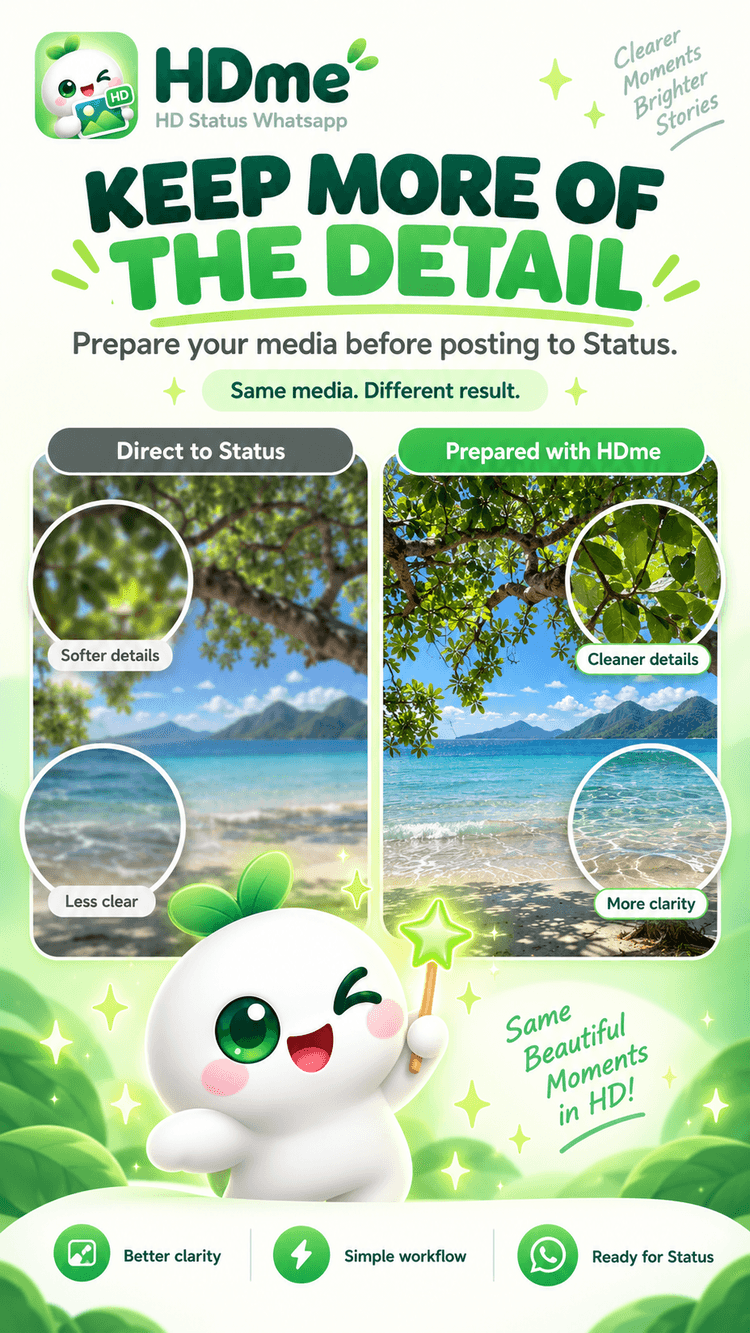
HDme prepares photos and videos for WhatsApp Status limits so more of the quality you already captured survives the post.
Not affiliated with WhatsApp Inc.
How it works
Pick. Optimize. Forward.
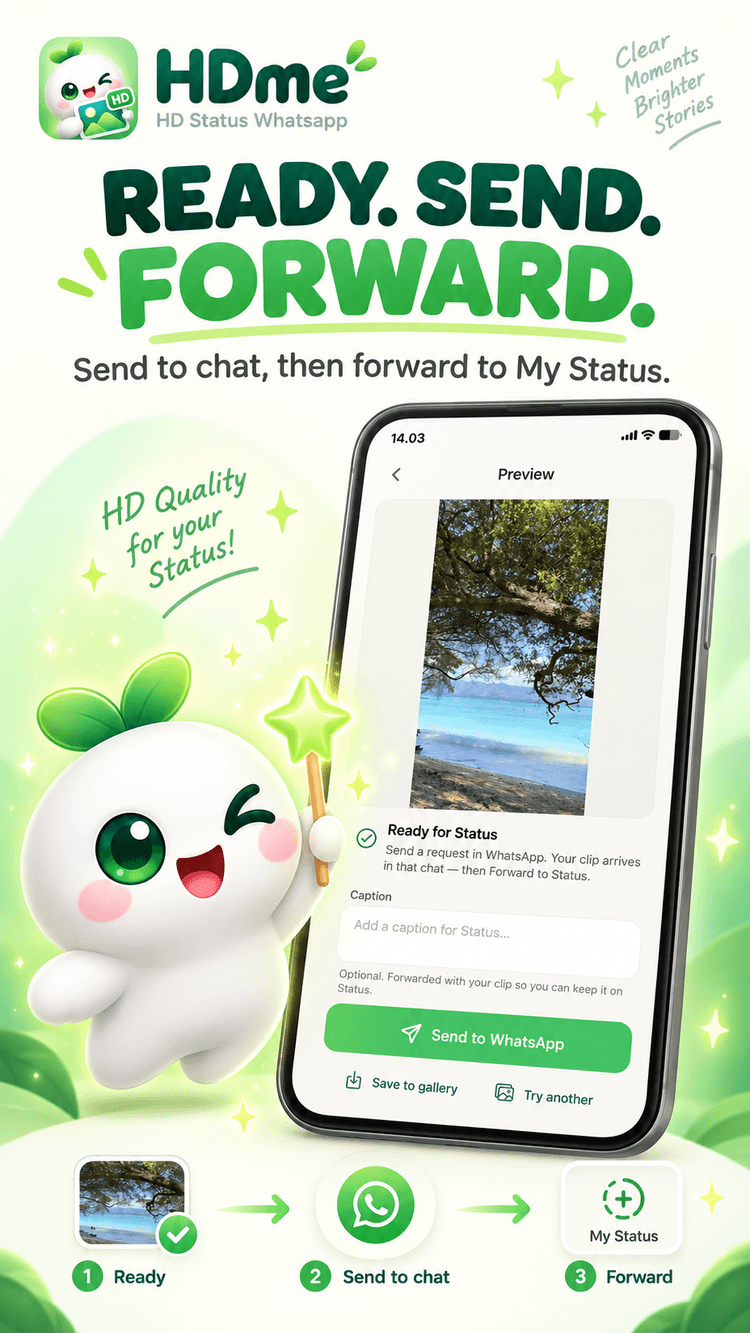
Forwarding from chat usually keeps more of the optimized quality than sharing straight into Status from another app.
Pick
Choose an original camera photo or video — not a clip already re-shared inside WhatsApp.
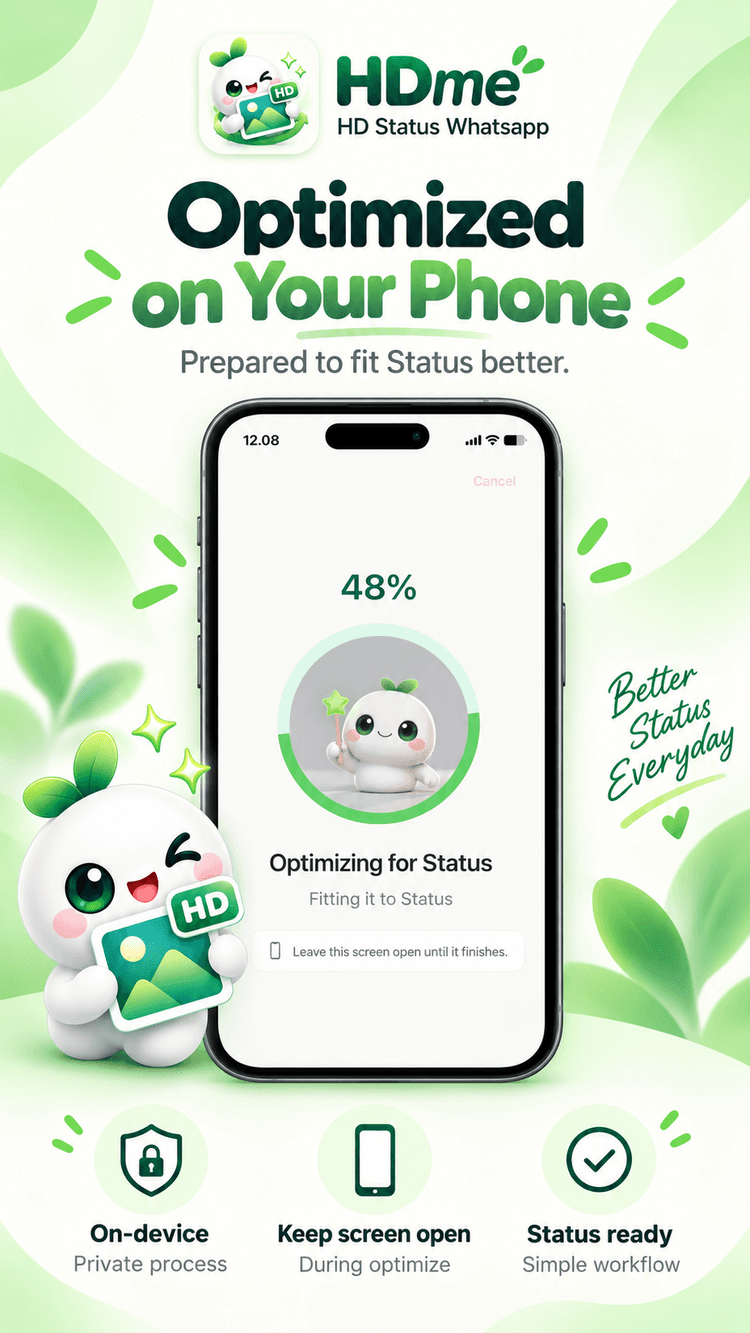
Optimize
HDme fits it to Status-friendly size and length on your phone. Long videos can be trimmed or split.
Forward
Send to a WhatsApp chat, press Send, then Forward to My Status. That path usually keeps more of the quality.
Why HDme
Built for clearer Status
Optimized on your phone
Encoding runs on-device. Your original gallery files stay local while the clip is prepared for Status.
Keep more of the detail
WhatsApp Status re-compresses aggressively. HDme prepares media first so more of the original clarity survives.
Trim or split long videos
Pick a custom ≤30s window, take the first Status-length clip, or split a longer video into multiple Status segments.
Private by design
Originals never leave the phone. Optimized clips may upload briefly only so they can be delivered to your WhatsApp chat, then removed.
A look inside
See HDme in action
It does
- Reduce quality loss when WhatsApp re-compresses
- Fit media to Status-friendly length and size
- Split long videos into multiple Status clips
- Let you trim a custom ≤30s window
It does not
- Invent HD from blurry or heavily compressed sources
- Bypass WhatsApp’s Status limits
- Replace WhatsApp itself
- Affiliate with WhatsApp Inc.
Honest promise: HDme protects quality that is already there. It does not enhance low-quality originals into real HD.
Get started
Ready for a clearer Status?
Pick an original file, optimize on your phone, then forward from chat to My Status.